Ready for Licensing on any day of the year.
Your binder fills itself as you work: certificates, drills, incidents and state forms, with anything expired called out before an analyst finds it.
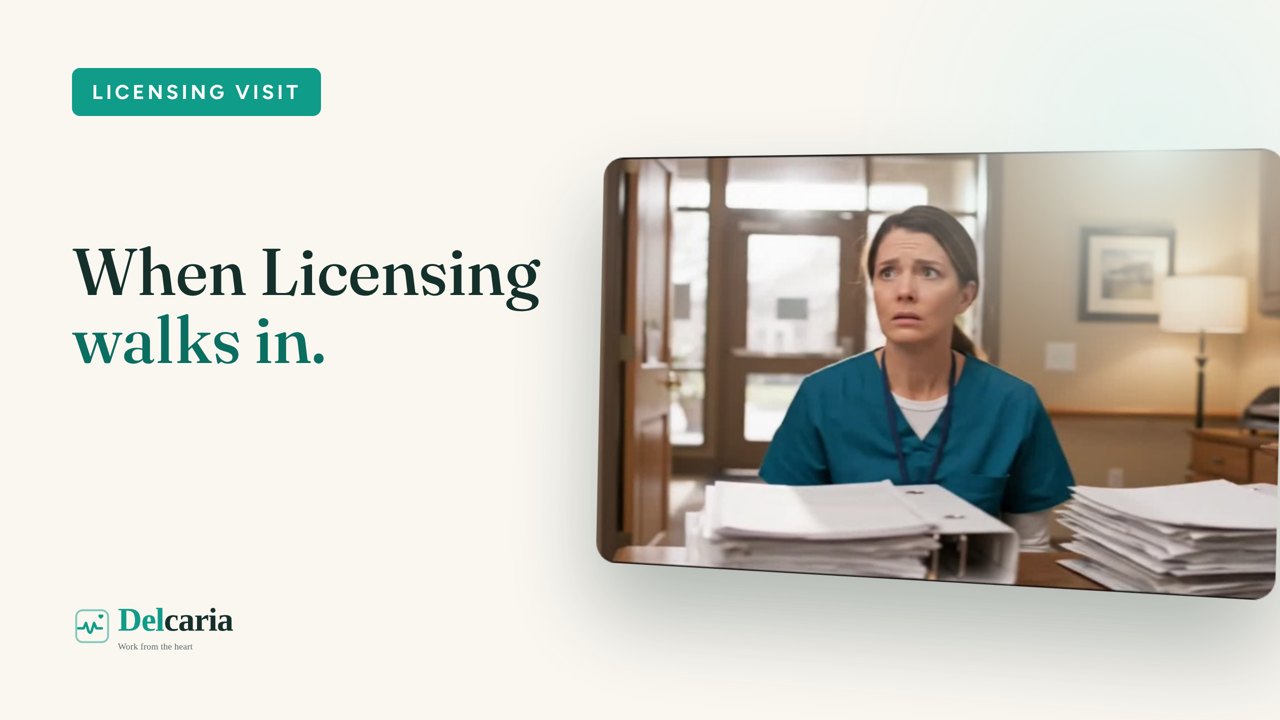
When Licensing walks in
Start a survey visit in seconds: the analyst gets a read-only login on her own device, and you see every page she opens.
A binder that keeps itself
The paperwork part of a Licensing visit, handled while you run the building.
Attach the real file
Each binder item holds the actual document, not just a checkbox that says it exists.
Expiry watched for you
Items turn amber before they expire and show up on the Today list.
From Delcaria's records
Incidents from the last 12 months and staff certificates pull in on their own.
State forms, started for you
California forms fill the resident's birth date, age, move-in day and medicines from the record.
Who's-where roster
One tap prints every resident, room and code status for the analyst.
Every read logged
During a survey visit, each page the inspector opens is written to the log.
Licensing walks in. You're ready.
Tap Start survey visit and type the analyst's name and agency. They get a link and a 6-digit code for their own device. They read the roster, residents' filed papers and your binder, and they can't change anything. The link closes at the end of the day, or the moment you tap End visit.
Questions owners ask
Does the inspector need a Delcaria login?
No. They open a link on their own phone or laptop and type a 6-digit code you give them. They never use your login or your iPad.
Can the inspector change anything?
No. A survey visit is read-only. They can open the roster, residents' filed papers and the binder, and every page they open is logged.
What if someone tries to guess the code?
Five wrong codes lock the link. You can start a new visit in a few seconds.
See it with your own building in mind.
We walk you through a day at your facility, start to finish, in about 30 minutes.